
What duration to choose for a scheduled real estate visit

A scheduled real estate visit should last 30 minutes for pre-screening, between 45 and 60 minutes for a complete visit with discussion and negotiation, and 15 to 30 minutes for a virtual appointment. Always add a 10 to 15-minute buffer before or after each slot, and synchronize your Google or Outlook calendar to avoid any overlap.
In brief:
- A full visit should last 45 to 60 minutes, accounting for discussions, questions, and negotiations, with an additional 10 to 15-minute buffer.
- A fixed 10 to 15-minute buffer is suitable for a compact area, while a dynamic buffer based on travel time is recommended for an extended tour.
- Scheduling automatic reminders at 72 hours, 24 hours, and 1 hour, as well as a cancellation period of at least two hours, significantly reduces the no-show rate.
- The software configuration should provide distinct durations and buffers for each appointment type, with automatic synchronization of external calendars.
- The VisitSync solution centralizes slot management, optimizes booking policies, and dynamically adjusts durations to maximize capacity and reduce absences.
Table of Contents
- Recommended durations by event type
- Buffers and travel time management: fixed or dynamic
- How to set these durations and buffers in your scheduling software
- Booking policies and anti-no-show tools
- KPIs to track after configuration and how to interpret them
- What VisitSync recommends to agents
- Try VisitSync for your visit slots
- Sources
- Frequently Asked Questions
Recommended durations by event type
The choice of duration depends primarily on the appointment's objective, not just the property's size. A quick pre-screening, where the prospect merely confirms their interest in the property, takes 30 minutes. A full visit, with a detailed presentation, questions about the neighborhood, and initial negotiation, requires between 45 and 60 minutes according to Microsoft Bookings documentation, which recommends defining a duration per service rather than a single duration for all appointments. Virtual visits or qualification calls are typically limited to 15 or 30 minutes, as they don't require travel or key handling.
These ranges are merely starting points. A building without an elevator, a high floor, or restrictive access rules (code, concierge, limited slot by the current tenant) justify adding more time.
- Pre-screening or quick visit: 30 minutes.
- Full visit with in-depth discussion: 45 to 60 minutes.
- Virtual visit or qualification call: 15 to 30 minutes.
- Adjustment based on access: add 10 to 15 minutes if the building requires access control or is a floor without an elevator.
A sector-specific playbook for agents confirms these approximate durations: between 30 and 60 minutes depending on the event type, with buffers dedicated to travel time between two properties during a tour.
Buffers and travel time management: fixed or dynamic
The buffer blocks an additional slot before or after each visit to prevent two appointments from running consecutively without any margin. According to appointment settings documentation, the absence of a buffer often leads to cascading delays when a visit slightly overruns the next. The calendar then shows the slot as occupied for the entire buffer duration, which mechanically reduces the number of available slots in a day.
Two approaches clash here. A fixed buffer of about fifteen minutes works well for a compact area where properties are close to each other.
- Identify whether your activity covers a concentrated or extended area.
- Apply a fixed buffer of 10 to 15 minutes for a concentrated area.
- Configure a dynamic buffer based on average travel time for a multi-property tour.
- Check the impact on your daily slot count before generalizing the setting.
An agent who schedules eight 45-minute visits without any buffer fills their day in six hours, but the slightest delay shifts the entire rest of the schedule. With a buffer of about fifteen minutes between each appointment, daily capacity decreases, but this loss is a necessary compromise to ensure a real safety margin.
Pro tip: reserve dynamic buffers for tours of more than three properties in the same half-day, and keep a simple fixed buffer for everything else.

How to set these durations and buffers in your scheduling software
The technical configuration is done on the event types or services page of your scheduling tool.
- Create a distinct event type for each visit category (pre-screening, full visit, virtual visit) rather than a single duration for everything.
- Define the default duration for each event according to the recommended ranges above.
- Set the interval between slots, or increment, to avoid truncated slots that do not correspond to any real duration.
- Configure the lead time, i.e., the minimum advance notice required before a prospect can book, as well as the maximum booking window in advance. These two parameters directly influence visible availability, as reminded by the documentation on appointment policies.
- Enable synchronized calendar checking, as Google Appointment Schedules adjust the display of available slots based on events already present in your personal agenda.
- Test the setting with a few dummy bookings before opening it to prospects, to identify incorrectly calculated slots.
Too short a lead time exposes the agent to last-minute bookings that are impossible to honor, while too wide a booking window fills the calendar with distant appointments at the expense of nearby availabilities.
Booking policies and anti-no-show tools
The policies surrounding the slot matter as much as its duration. Automatic reminders sent 72 hours, 24 hours, then one hour before the visit significantly reduce forgotten appointments, especially when they combine email and SMS.
- Schedule three successive reminders (72 h, 24 h, 1 h) through different channels.
- Set a minimum cancellation period, for example, two hours, beyond which the slot remains blocked.
- Limit the number of appointments per day for the same agent if the volume exceeds their actual travel capacity.
- Activate automatic confirmation to validate the booking as soon as a prospect chooses a slot.
Pro tip: Couple the 24-hour reminder with an active confirmation request: a prospect who has to click to confirm is less likely to cancel than a simple notification recipient.
KPIs to track after configuration and how to interpret them
Once durations and buffers are in place, a few indicators are enough to judge if the settings are working well.
- No-show rate: a high rate often indicates too short a lead time or insufficient reminders.
- Visit-to-next-step conversion rate (offer, second visit): a low rate may indicate a visit duration that is too short to answer questions.
- Slot utilization by time slot: identifies high-demand hours to reinforce and those to free up.
- Reports by agent or property: reveal local adjustments, for example, an insufficient buffer in a specific sector.
Automating reminders and synchronizing calendars are among the most effective levers for reducing no-shows and coordination ping-pong, according to a 2026 analysis of scheduling software. A synchronized calendar avoids double bookings that artificially inflate the cancellation rate.
What VisitSync recommends to agents
Our conviction, after observing many agent configurations, comes down to one sentence: the standard duration per visit type is not enough without a dynamic buffer adjusted to the actual travel time between properties. The platform combines synchronization with external calendars, automatic reminders, and visit analytics to apply this logic without spending hours on manual configuration. The platform centralizes agent availability and applies booking policies directly on a dedicated page for each property, without the potential tenant needing to create an account.
— Isac
Try VisitSync for your visit slots
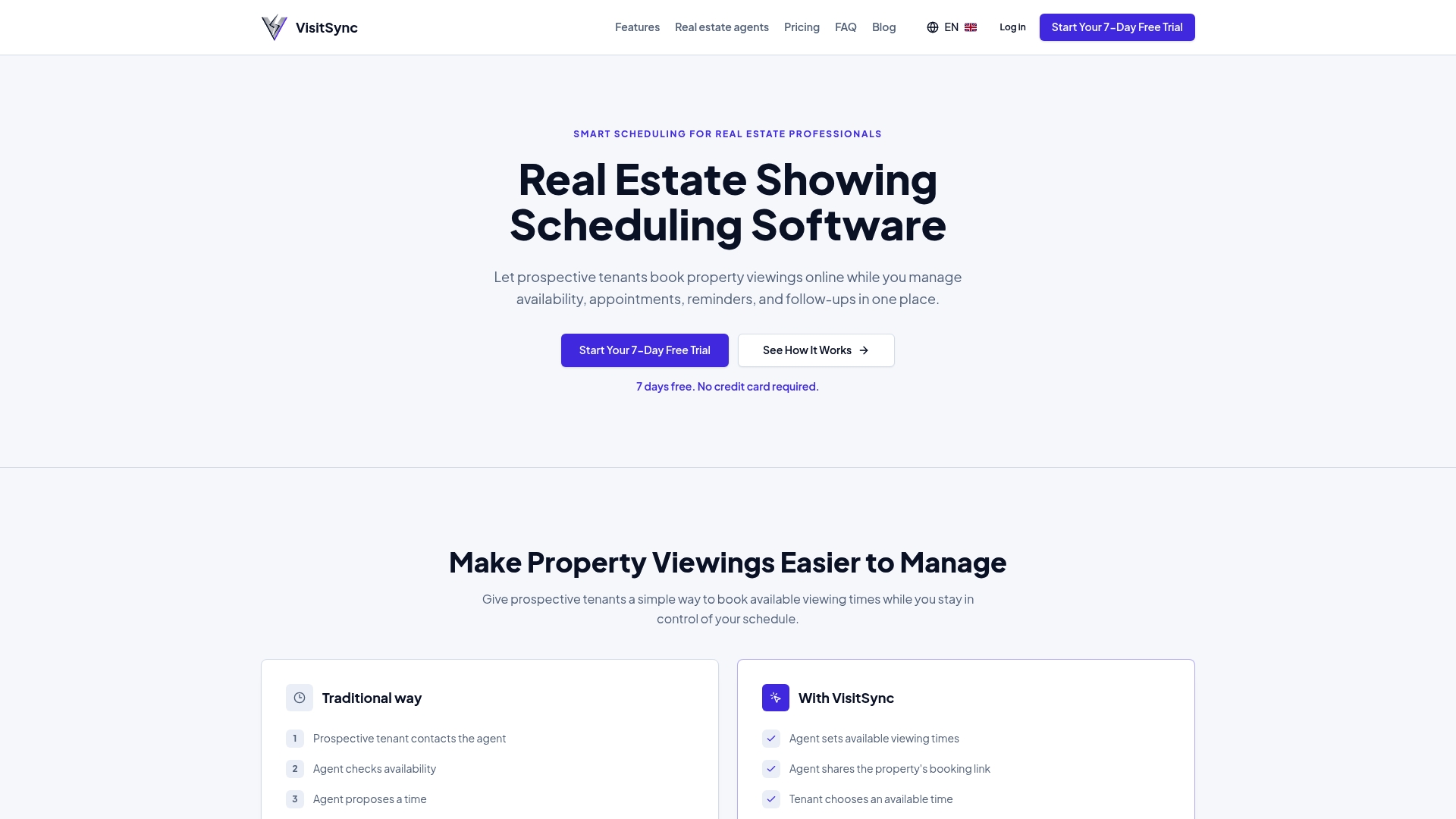
Configuring durations by visit type, dynamic buffers, and automatic reminders takes time when done manually in a classic agenda. This solution brings these settings together in an interface designed for agents and real estate teams, with direct synchronization of external calendars and a bilingual booking experience. Product features are detailed on the real estate visit management page, and the offer is specifically aimed at real estate agents who want to regain control of their schedule. The solution offers monthly paid plans with a free trial period; precise pricing is available on the website. Test the configuration of your own slots on the VisitSync homepage.
Sources
Consult the official guides on appointment settings, buffers, and booking policies cited above to delve deeper into each parameter.
- Overview of Appointment Settings — TerpEngage Connect
- Define your services in shared bookings — GVSU knowledge base
- I evaluated the best business scheduling software for 2026 — G2 Learn
- Google appointment schedules — University of Michigan support
Frequently Asked Questions
How much time should I allow for a full visit slot?
Allow between 45 and 60 minutes for a complete visit, including property presentation, questions, and initial negotiation, according to Microsoft Bookings documentation. Add a 10 to 15-minute buffer after this slot to absorb slight overruns.
Should there be a fixed or dynamic buffer between two visits?
A fixed buffer of 10 to 15 minutes is suitable for a compact area where properties are close. A dynamic buffer, calculated according to actual travel time, becomes preferable when a tour covers several distant neighborhoods on the same day.
How to reduce the no-show rate for scheduled visits?
Schedule automatic reminders at 72 hours, 24 hours, and one hour before the appointment, via email and SMS. Also, set a minimum cancellation period to avoid last-minute cancellations, a practice that limits repeated exchanges according to an analysis of scheduling software.
What duration to choose for a virtual visit?
A virtual visit or qualification call typically lasts between 15 and 30 minutes, with no need for a travel-related buffer. This shorter duration reflects the absence of travel and physical access handling.
Does VisitSync allow configuring different durations by visit type?
The service allows creating distinct appointment types with their own durations, buffers, and synchronization with external calendars. It is accessible via a free trial before upgrading to paid plans, with pricing indicated on the website.